Keep AppImages together
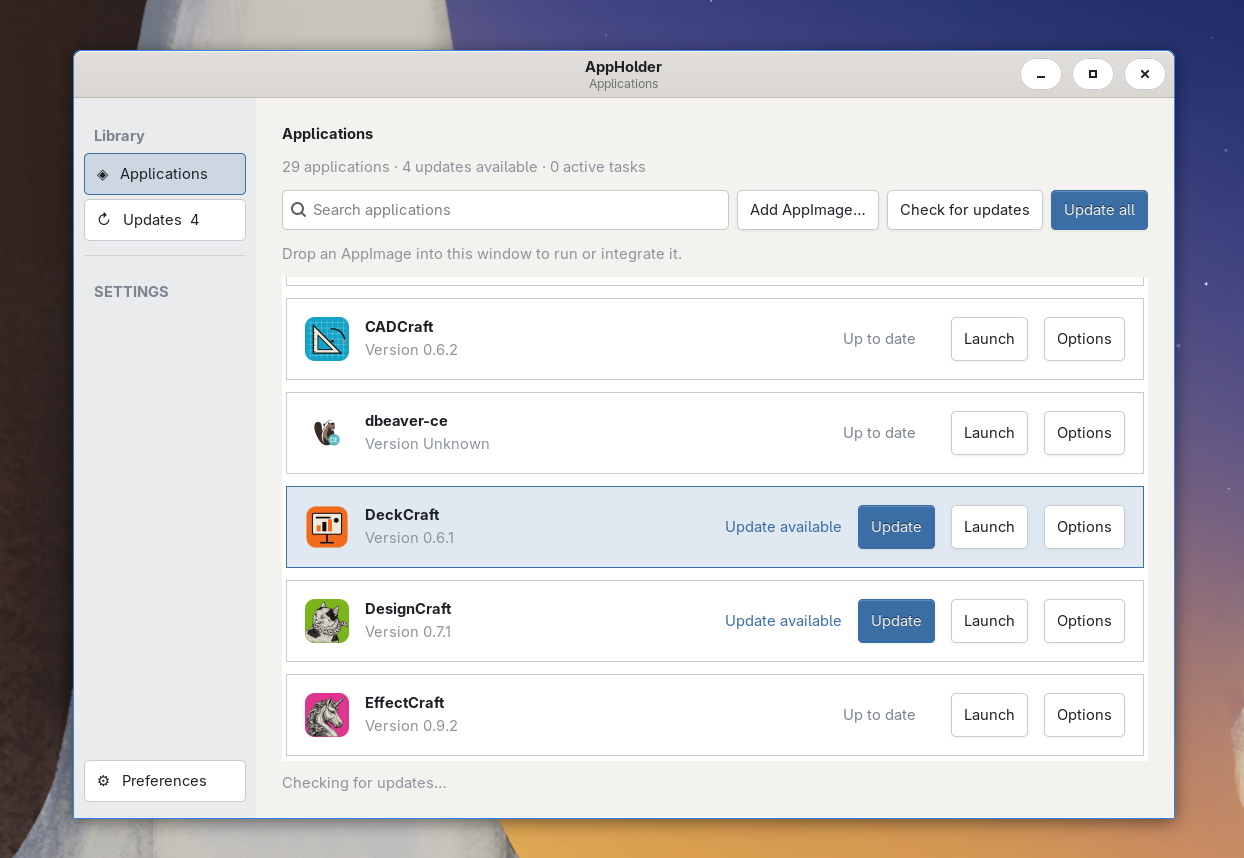
Watch one or more folders, starting with ~/Applications. New files are registered after they finish changing. Drag an AppImage into AppHolder or open one from another folder to run once, integrate, or integrate and run.
 AppHolderView on GitHub ↗
OPEN SOURCE · LINUX · APPIMAGE
A desktop library and background service to organize AppImages, check publisher updates, keep previous versions, and launch apps your way.
Install with curl -fsSL https://github.com/valicm/appholder/releases/latest/download/install.sh | bash
A LOOK INSIDE
MADE FOR APPIMAGE USERS
Watch one or more folders, starting with ~/Applications. New files are registered after they finish changing. Drag an AppImage into AppHolder or open one from another folder to run once, integrate, or integrate and run.
Check supported HTTPS zsync and GitHub release sources, review available updates, update one app or update all, and receive desktop notifications. AppHolder verifies downloaded files before activation and can use zsync deltas when available.
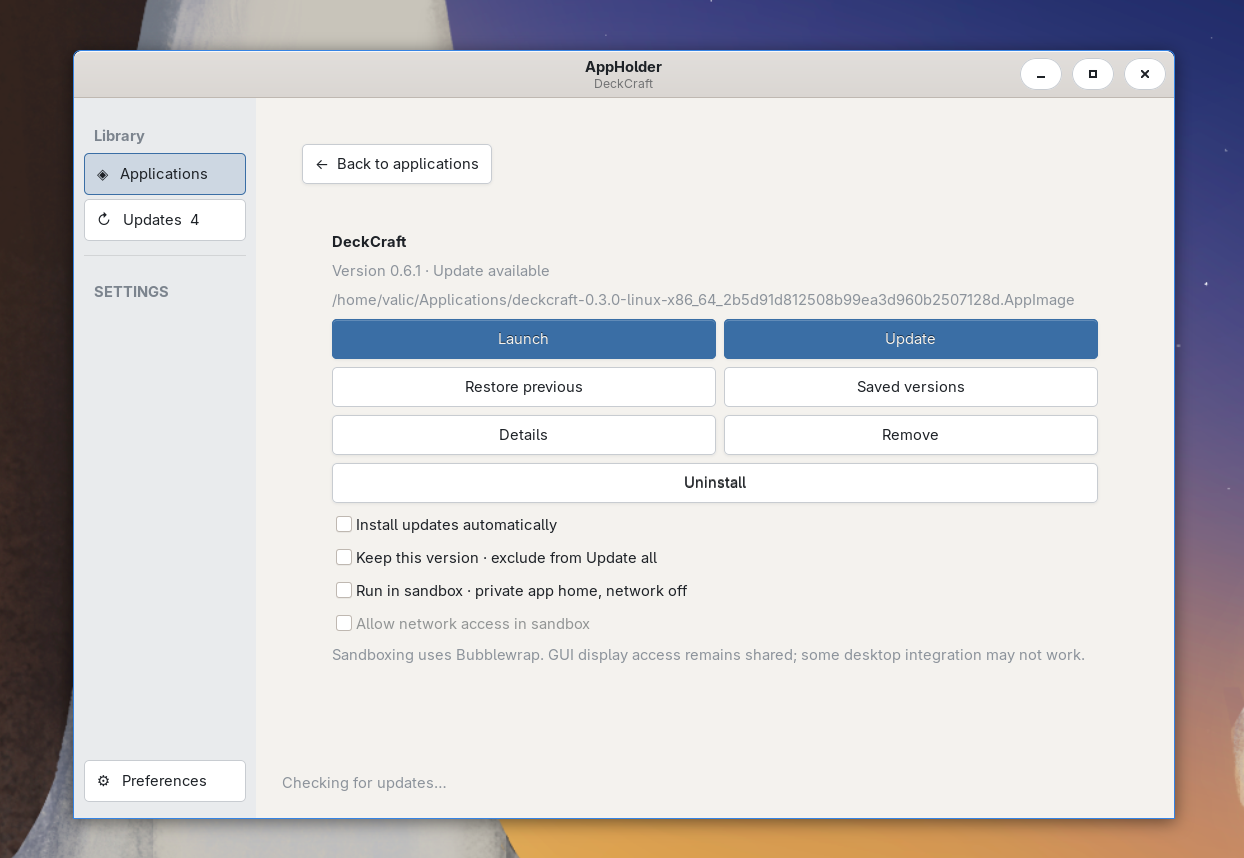
Save the current AppImage before replacing it, browse saved versions, restore one, and configure how many versions to keep. Remove an app from the library without deleting its file, or uninstall that AppImage.
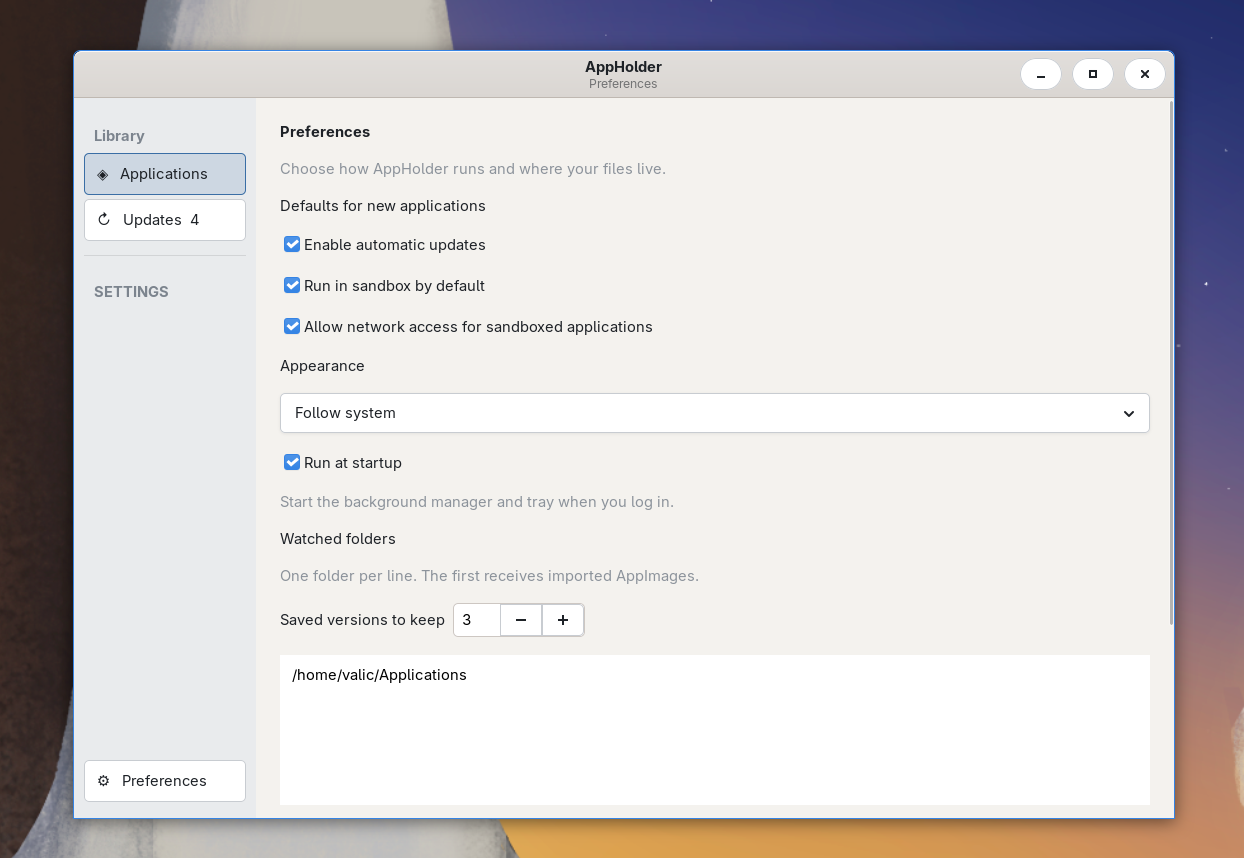
Enable automatic updates per app or set the default for newly added apps. AppHolder reports update progress and completion through the desktop notification system.
Optionally launch apps with Bubblewrap, a private persistent app home, and networking disabled by default. Configure sandbox and network defaults for new apps. Sandbox support depends on Bubblewrap and is best-effort.
Use the tray icon, launch AppHolder at login, and integrate AppImages into the applications menu. The app supports local appimg: links and HTTPS downloads, plus light, dark, or system-following appearance.
A per-user Go daemon watches folders and handles update work. The native GTK interface and command-line client use the same service, with a single desktop instance.
GitHub releases include amd64 and arm64 builds. Release manifests use Ed25519 signatures, which the installer and self-updater verify against the pinned public key.
YOUR APPS STAY YOURS